Read the text you need
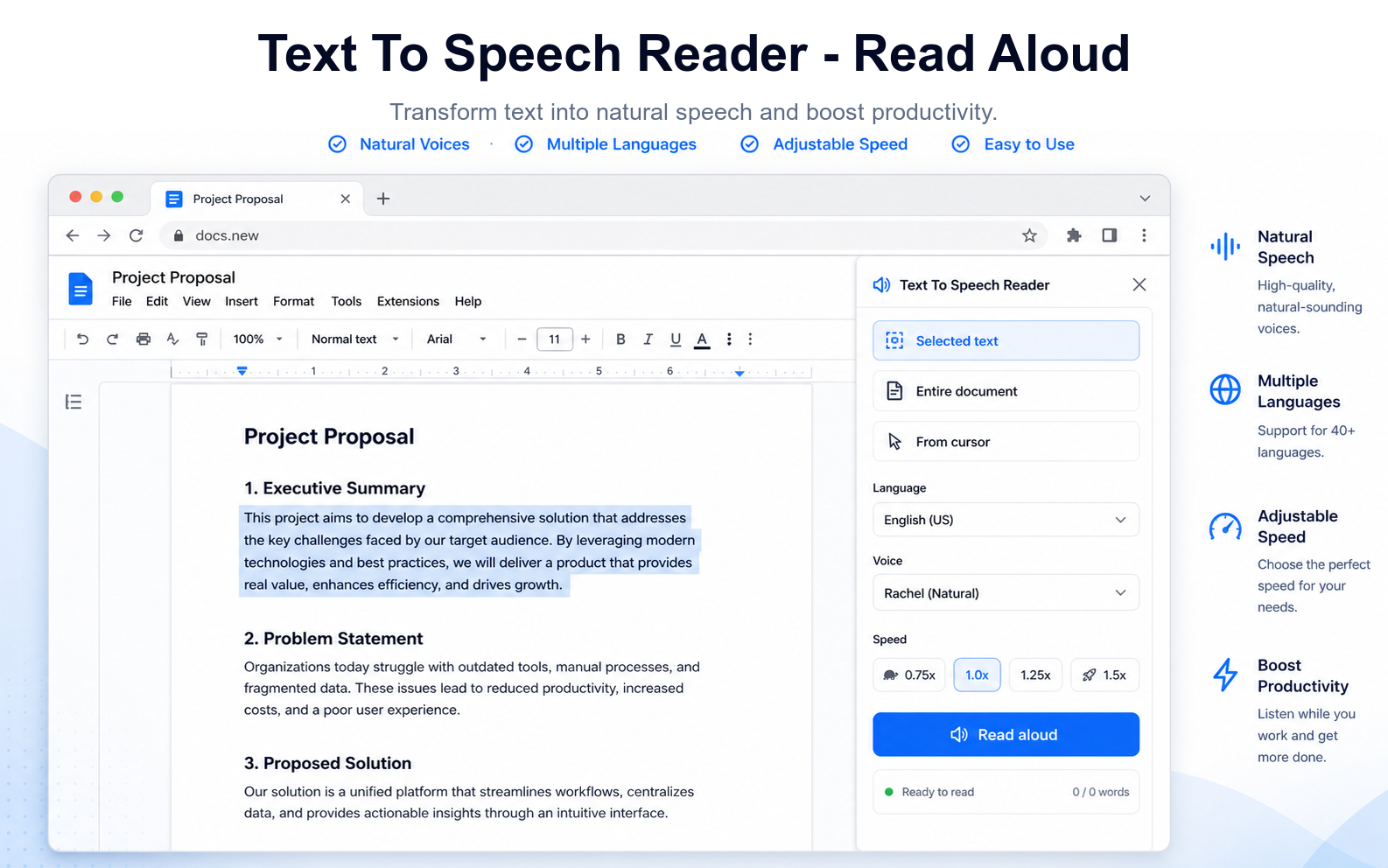
Choose selected text, the whole active document, or start from the cursor when you want to continue proofreading.
Google Docs add-on
Listen to your Google Doc while you proofread, review, or work hands-free. Start from a selection, the cursor, or the full document.
Built for document reading
Choose selected text, the whole active document, or start from the cursor when you want to continue proofreading.
Speech runs through the voices already available in the browser, with language, voice, and reading speed controls.
The add-on is designed around Google Docs current-document access and does not require Drive-wide permission.
How it works
Text is retrieved from the active Google Doc so the browser can read it aloud. The add-on does not generate audio files or request Drive-wide access.